
Word downloads
Resume format in Word
Free resume formats in Word (.docx) for freshers, experienced professionals, teachers and nurses. Download, edit and save as PDF, or build your own in the maker.
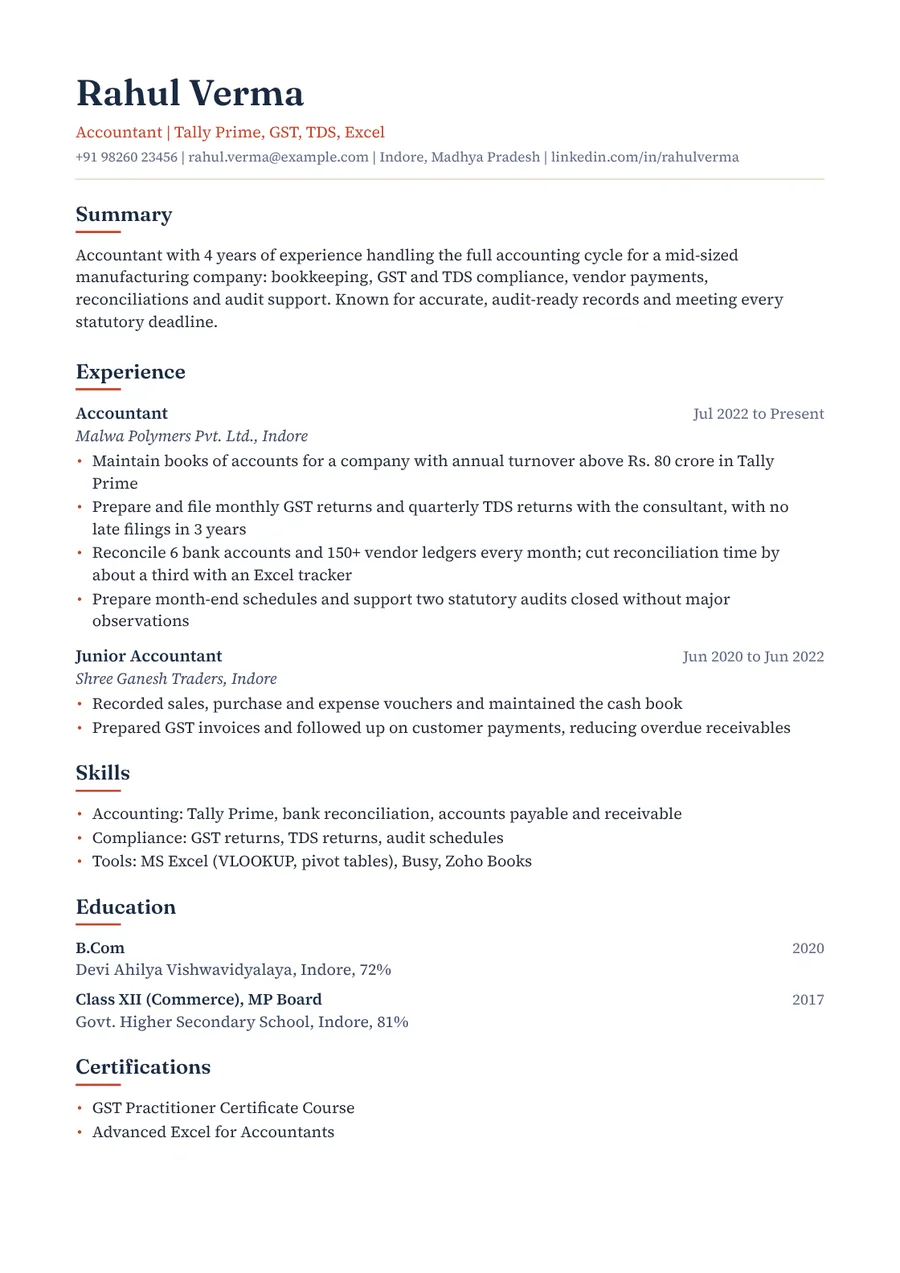
Download resume formats in Word
DOCXExperienced resumeEditable Word file, A4DOCXFresher resumeEditable Word file, A4DOCXSimple resumeEditable Word file, A4DOCXTwo-column CVEditable Word file, A4DOCXTeacher resumeEditable Word file, A4DOCXNursing resumeEditable Word file, A4
Each file opens in Microsoft Word, LibreOffice, WPS Office and Google Docs. Replace the sample text and save as PDF before sending.
Also available as PDF
PDFExperienced resume (PDF)Print-ready samplePDFFresher resume (PDF)Print-ready samplePDFSimple resume (PDF)Print-ready samplePDFTwo-column CV (PDF)Print-ready sample
Editing tips in Word
- Use File, Save As, PDF to send it.
- Keep the existing styles: change the text, not the formatting.
- Delete sections you do not need rather than leaving them empty.
- Check the page count in the status bar before saving.
Use it in Google Docs
- Upload the .docx to Google Drive.
- Right-click it and choose Open with, Google Docs.
- Edit, then File, Download, PDF.
Frequently asked questions
Are these Word resume formats free?
Yes, free to download and use, with no sign-up.
Will the formatting change on my computer?
The files use common fonts; if a font is missing, Word substitutes a similar one. Check the layout before saving as PDF.
Can I make the Word file from my own details?
Yes. Fill in the Resume Maker and download Word. It is built from your content directly.