
ATS
ATS resume format
How applicant tracking systems read resumes, the rules for an ATS-friendly format, and four ATS-safe designs in the Resume Maker.
What an ATS does
An applicant tracking system stores and searches applications. Many systems extract your text into fields (name, titles, dates, skills) and let recruiters search by keyword. If your layout confuses the parser, your experience can end up in the wrong fields or go missing.
ATS-friendly resume format rules
- One column
- Standard headings: Summary, Experience, Education, Skills
- Text, not images or icons, for anything important
- No tables or text boxes for core content
- Dates in a consistent format (Jun 2021 to Present)
- Keywords from the job description, used honestly
- Common fonts and a .docx or text-based PDF
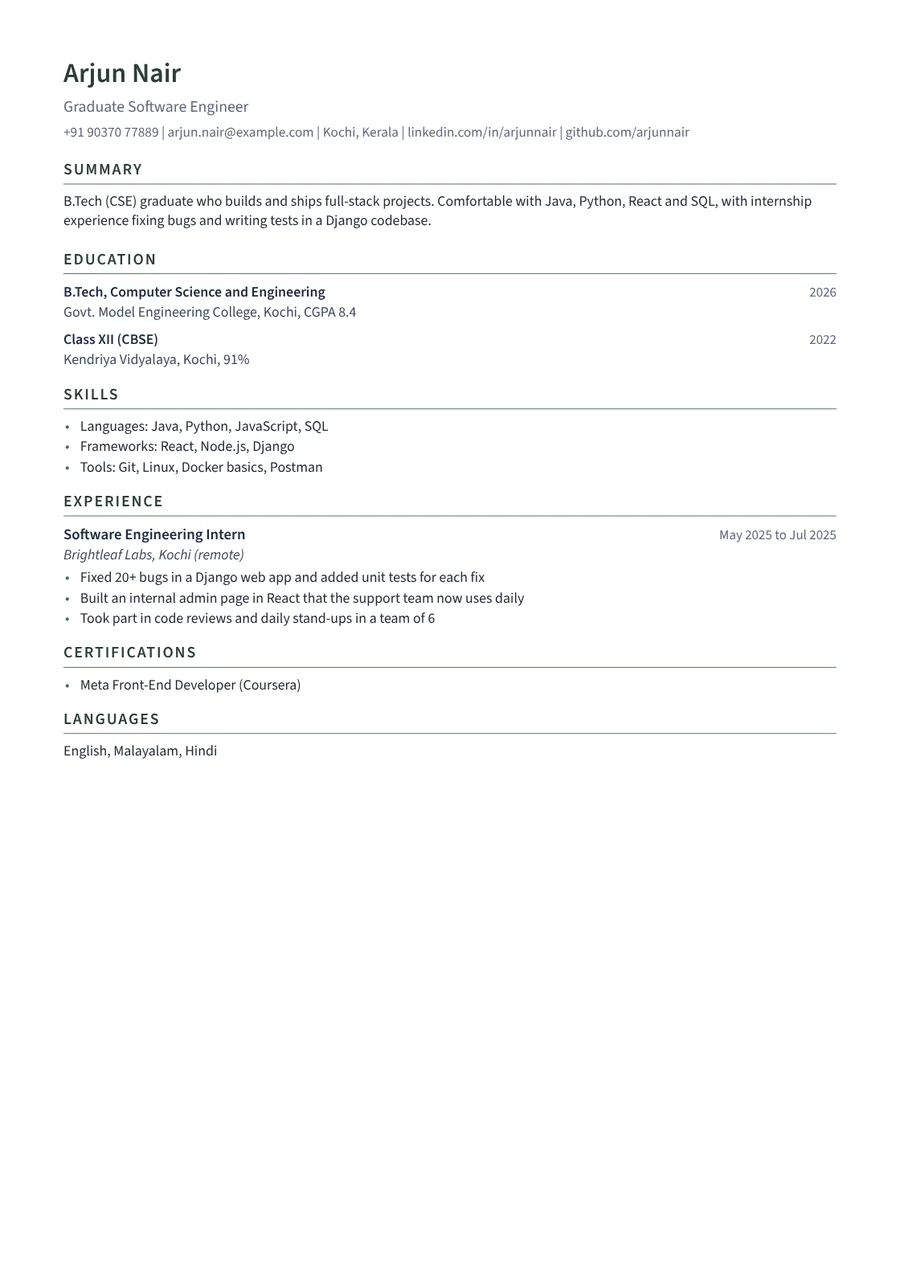
ATS-safe sample
Which designs in the maker are ATS-safe?
ATS Classic, ATS Modern, Compact and Editorial are single-column with real text and standard headings. Sidebar and Executive look great printed but use a second column or a coloured band, so use them for direct sharing rather than portal uploads.
Frequently asked questions
What is an ATS resume format?
A simple, one-column resume with standard headings and plain text that applicant tracking systems can read accurately.
Is PDF or Word better for ATS?
Modern systems read text-based PDFs well. If the portal says Word, upload Word. The maker's PDFs contain real selectable text.
Do I need to stuff keywords?
No. Use the words from the job description where they truthfully describe your work.